From one impossible prompt to one smooth scroll.
Concept, generation, 60 FPS delivery, and the frontend details that made the experience feel responsive.
Generate in TonpitStart with the emotional turn.
Write the concept before the camera move.
The spectacle is not the idea. The emotional reversal is the idea: begin with the scale of the universe and end with the smallest private result.
- Start: an image that feels impossibly large.
- Journey: a clear chain of increasingly human spaces.
- End: one precise commercial reveal.
- Rule: one continuous camera move, no cuts.
Turn it into one literal camera instruction.
Prompt the movement, not a mood board.
State duration and continuity first. Describe each spatial transition in order. Put style, physics, and negative constraints at the end.
Single continuous 10-second cinematic camera journey beginning from an impossibly distant view beyond the Milky Way, accelerating smoothly through its luminous spiral arms toward Earth, plunging through physically layered atmosphere, glowing particles, clouds, and a distant electrical storm, descending rapidly into a vast modern city at blue hour, diving between illuminated skyscrapers, sweeping beneath a monumental bridge and racing through narrow urban streets, climbing the exterior of a residential building and entering through a slightly open bathroom window, slowing into an intimate warm-lit room where a fully clothed adult woman stands holding a pregnancy test in stunned silence, camera gliding over her shoulder and ending in an extreme macro close-up of two unmistakable positive result lines, her emotional reflection softly blurred in the background, photorealistic premium commercial cinematography, seamless exponential scale transition, physically accurate atmosphere and architecture, strong forward parallax, controlled motion blur, restrained natural color, cosmic blue gradually transitioning into warm human light, one uninterrupted take, no cuts, no dissolves, no teleportation, no text, no logos, no anatomical distortion.Generate and choose your tradeoff.
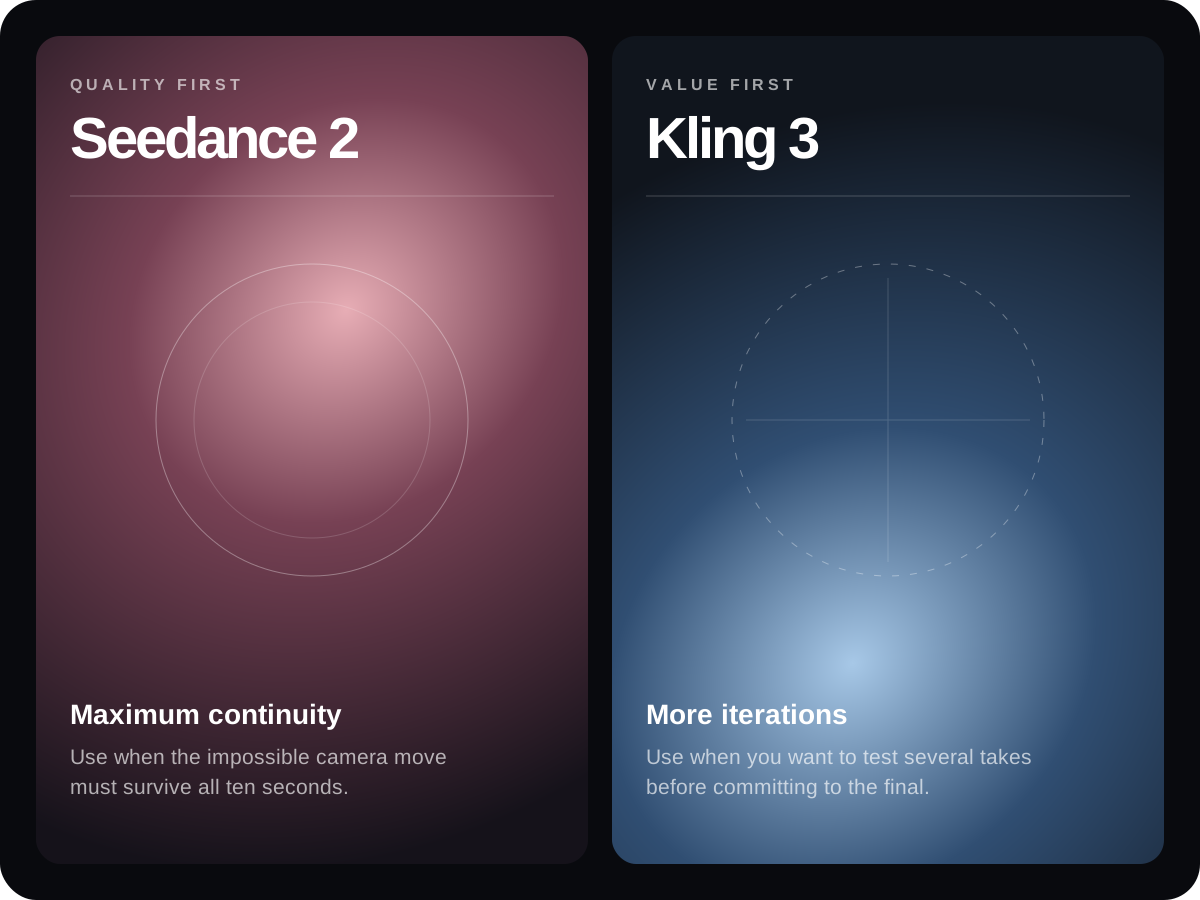
Quality or iteration speed.
Use it when continuity and complex scale changes matter most. It is the stronger—but more expensive—final-pass choice.
Official model pageUse it for a cheaper round of iterations. Generate several takes, then spend more only if the final continuity needs it.
Official model guidePrepare the film for scroll.
Keep 60 FPS. Add dense seek points.
File size affects loading; keyframe distance affects scrubbing. A compressed video with sparse keyframes can still feel terrible. PNG is not the answer.
- Interpolate to 60 FPS only when the generator exports fewer frames.
- Encode H.264, yuv420p, with faststart.
- Add a keyframe about every 0.1 seconds.
- Keep the original file as a backup.
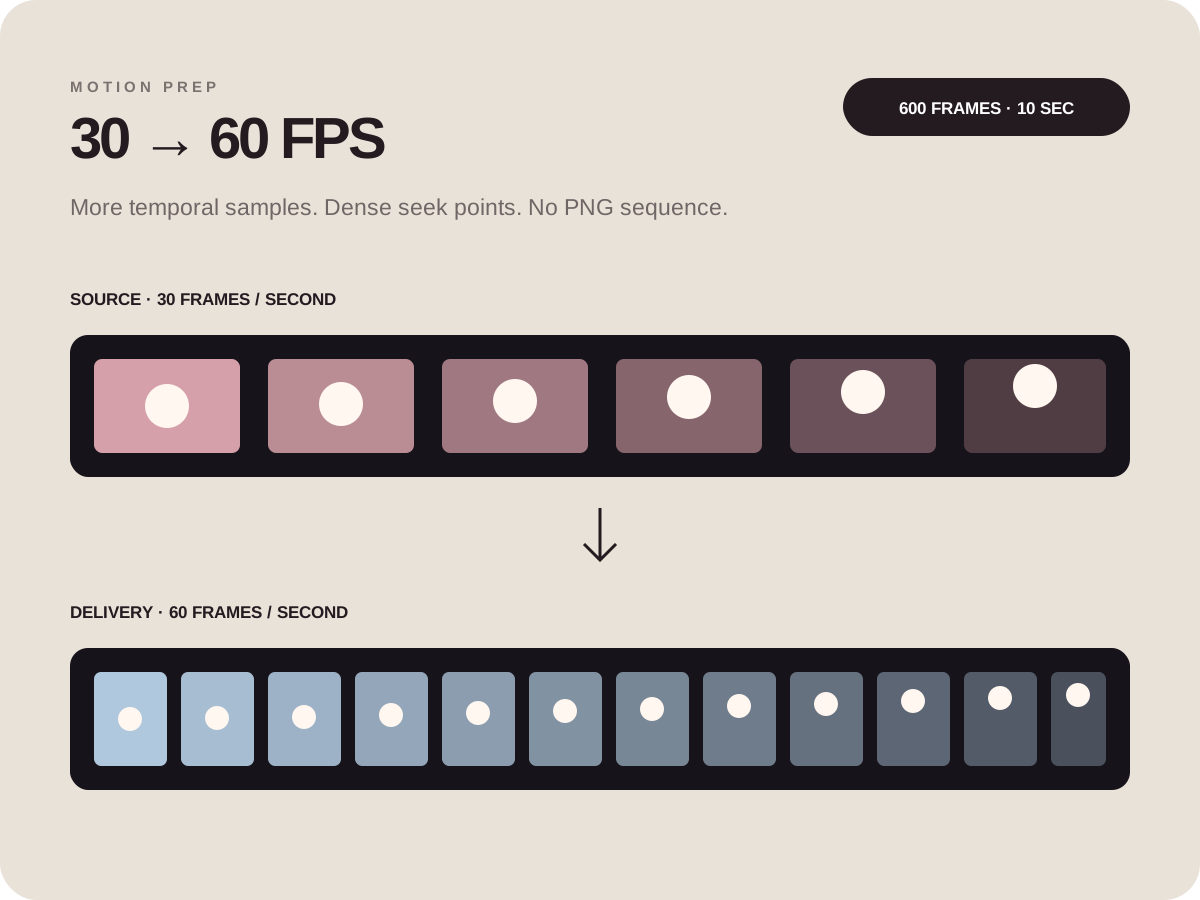
ffmpeg -i input.mp4 \
  -vf "minterpolate=fps=60:mi_mode=mci:mc_mode=aobmc:me_mode=bidir:vsbmc=1" \
  -c:v libx264 -preset slow -crf 23 -profile:v high \
  -g 6 -keyint_min 6 -sc_threshold 0 -bf 0 \
  -pix_fmt yuv420p -movflags +faststart \
-c:a aac -b:a 128k output-60fps.mp4Generate the landing page.
Give the frontend model the creative idea—and the performance contract.
The important addition from this build: specify how seeking, keyframes, React updates, fallbacks, credits, and QA must work. “Make it scroll-driven” is not enough.
You are the sole creative director and senior frontend author for a premium interactive portfolio.

CONTEXT
- Work inside the existing Next.js portfolio. Inspect its structure and visual conventions first.
- Add this as a new project under the existing experimental-projects section.
- The final 10-second film lives at: public/films/[film-name].mp4
- Also extract frame 0 as the project-card thumbnail.

EXPERIENCE
- Build a cinematic landing page around one sticky, scroll-scrubbed video.
- Use approximately 600vh of scroll distance for the 10-second film.
- Map scroll progress continuously to the video currentTime.
- Keep the video paused; scrolling is the transport control.
- Layer four concise narrative beats over the journey. Use bold, asymmetric, campaign-scale typography—not centered template typography.
- After the film, reveal the fictional product, the concept, the full generation prompt, and a dedicated source-credit section.

CRITICAL PERFORMANCE REQUIREMENTS
- Preserve the 60 FPS source. Do not convert it to a PNG sequence.
- Deliver H.264/yuv420p with faststart and dense keyframes roughly every 0.1 seconds.
- Do not call React setState on every scroll frame.
- Use refs and requestAnimationFrame for progress UI and currentTime updates.
- Never stack video seeks. If a seek is in flight, retain only the latest requested time and apply it after seeked.
- Hide the cinematic fallback from the compositor once the video is ready.
- Test forward and reverse scrubbing. The displayed frame should settle within one 60 FPS frame of the requested time.

TECHNICAL QUALITY
- Responsive desktop and mobile composition.
- Respect prefers-reduced-motion.
- Avoid hydration errors, console errors, and nonexistent media requests.
- Add metadata, accessible labels, external-link safety, and a production-ready loading fallback.
- Run TypeScript, ESLint, a production build, and visual QA before handing off.

DELIVERABLES
1. Working landing-page route.
2. Project-grid card with frame-zero thumbnail.
3. Copyable video-generation prompt.
4. Dedicated credits with links to the original creator, source video, and shared workflow.
5. A short handoff explaining where to replace the video and how the scrubber is optimized.